
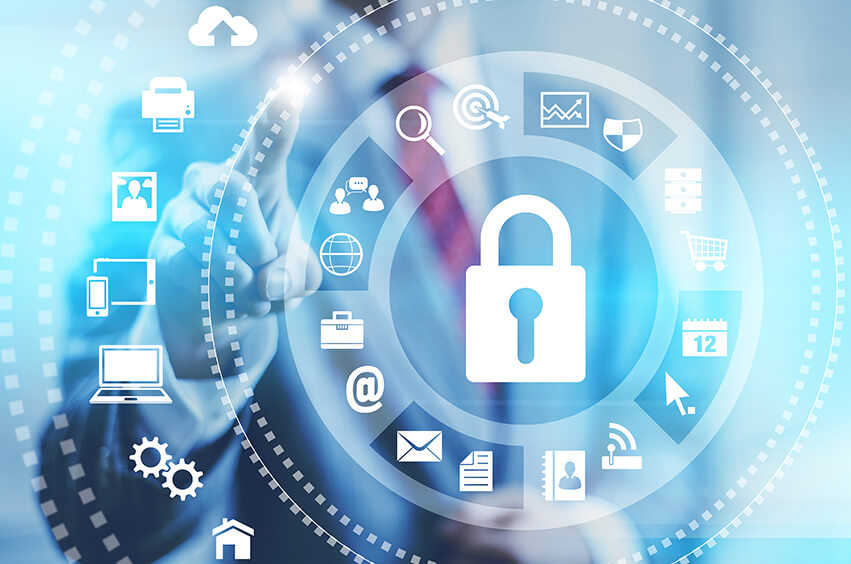
Personal technology has become a part of everyday life, allowing people to communicate, work and play with ease. However, as technology continues to evolve, so does the risk of cybercrime and identity theft. Fortunately, there are some best practices you can follow to keep your personal tech secure.
Here are some key ways you can keep your personal tech secure:
Be Wary of Suspicious Emails
Always be cautious when opening emails, especially if they come from unknown senders or contain suspicious attachments. If an email looks too good to be true, it likely is. As hackers are constantly finding new ways to spread malware through phishing attacks, it’s essential that you remain vigilant and never click on any links or download any files without verifying the source first.
Using a secure email gateway for personal tech is another way to ensure that confidential and sensitive information over email is kept safe. Using a gateway works by encrypting emails sent and received on a device, meaning that any potentially compromising data is not visible to unauthorized users. This can be especially beneficial when sending sensitive information such as banking information or passwords. Additionally, when accessing emails through the gateway, users can be confident that they are doing so securely, as some gateway providers offer two-factor authentication to ensure that only authorized users have access.
Passwords Matter
First and foremost, it is vital that you create strong passwords for all of your accounts. Make sure each password is unique and includes various combinations of letters, numbers, special characters, and upper-case letters. It’s also wise to change passwords periodically, especially after any suspicious activity or if you have shared them with someone else. Additionally, consider setting up two-factor authentication on sensitive accounts to add an extra layer of protection.
Update Software and Operating Systems
Regularly updating your software and operating systems can help protect against known security vulnerabilities. Turn on automatic updates so that you don’t miss any key patches that could leave you vulnerable to cybercriminals. It’s also important to make sure all of your devices have the latest antivirus and anti-malware programs installed.
Be Careful with Wi-Fi Connections
Using public Wi-Fi networks can put your personal information at risk, as they are often unsecured and not managed by the provider. If possible, avoid using public hotspots, especially for sensitive activities like online banking or shopping. Consider using a Virtual Private Network (VPN) when connecting to a public network, as this will encrypt your data and help protect it from malicious actors.
Install Antivirus Software
Another way to secure personal tech is by using antivirus software. An antivirus program works by scanning a computer for malicious software, such as viruses and spyware. In order to do this, the antivirus program must be updated regularly in order to remain effective. Additionally, it is important to ensure that all installed programs are kept up-to-date in order to mitigate the risk of malicious attacks. By using antivirus software, users can be sure that their personal tech is secure from malicious threats.
Back-Up Your Data
Regularly backing up your data can help protect against unexpected events like hardware failure or software glitches. Consider using cloud storage services like Dropbox or Google Drive so that all of your data is securely backed up in the event of any issues. Additionally, make sure you regularly check the security settings on all of your cloud storage accounts to ensure that they are secure and up-to-date.
Overall, there are a number of ways to keep personal tech secure and protect confidential information from unauthorized access. By using a secure email gateway and antivirus software, users can be sure that their data is safe and protected at all times. Additionally, by keeping programs updated, any potential risks can be avoided.
By following these best practices, you can help protect yourself and your devices from potential cyber threats and malicious actors. By staying vigilant and taking proactive measures, you can help keep your personal tech secure and prevent becoming a victim of identity theft or other cybercrime.

